Manage employee cab bookings, approvals, routes and transport costs from one dashboard. CabCRM gives travel managers control over who books, how much each department spends and which vendor runs each trip.

Employee Transport
Set up the company, its departments and staff once. Each department and each staff member can have its own credit limit, so bookings stay within budget and the travel manager sees all spending in one place.
Booking & Approvals
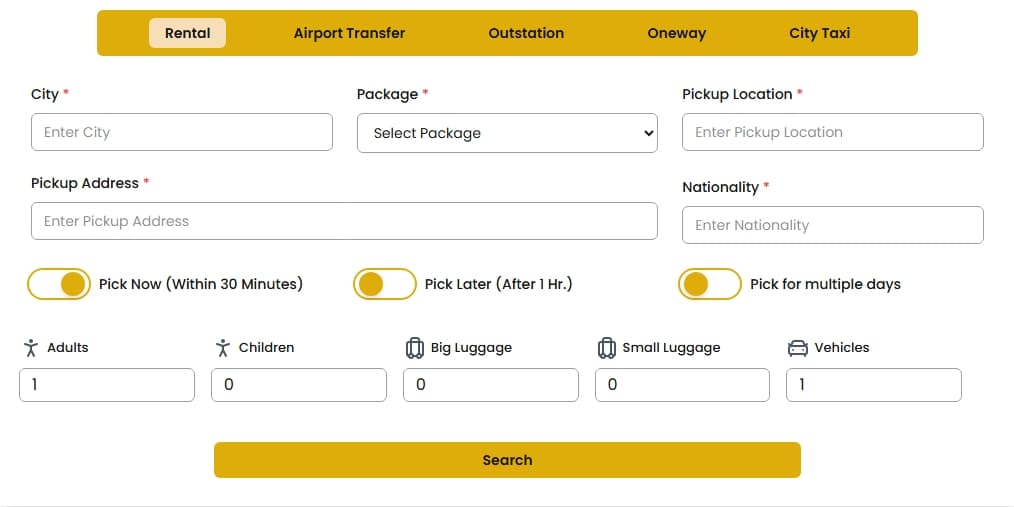
Employees or central bookers request rides, and the company can require approval before a booking is confirmed. Pending, rejected and expired requests each have their own list, so nothing is missed.
Trip Tracking
Follow every employee trip live, with OTP at trip start and end, and share a trip itinerary link with the traveller by email or WhatsApp.
Vendors & Drivers
Run trips with your own fleet or with vendors in your network. Vendors can bid on trips without a fixed fare, and verified driver and vehicle documents are kept on record.
Billing & Reports
Bill the company on its own invoices with tax details, record full or partial payments, and push invoices to Tally. Reports show bookings, payments and credit use by department.
Who manages the company's travel spend
Who book for employees
Who travel for work
Yes. Booking approval can be switched on for a company. Requests then wait in the Pending list until they are approved or rejected, and expire if no one acts on them.
Yes. You can give each department and each staff member a credit limit. A booking above the limit is held until it is approved or the limit is raised.
CabCRM creates invoices with invoice numbers and tax details for the company. You can record full or partial payments and push invoices to Tally.
Yes. Trips can go to your own fleet or to vendors in your network, and vendors can bid on trips that have no fixed fare.