Access your bookings, invoices, drivers, vendors and settings from a single account portal. CabCRM gives every operator a secure, role-based panel so the right people see the right information.
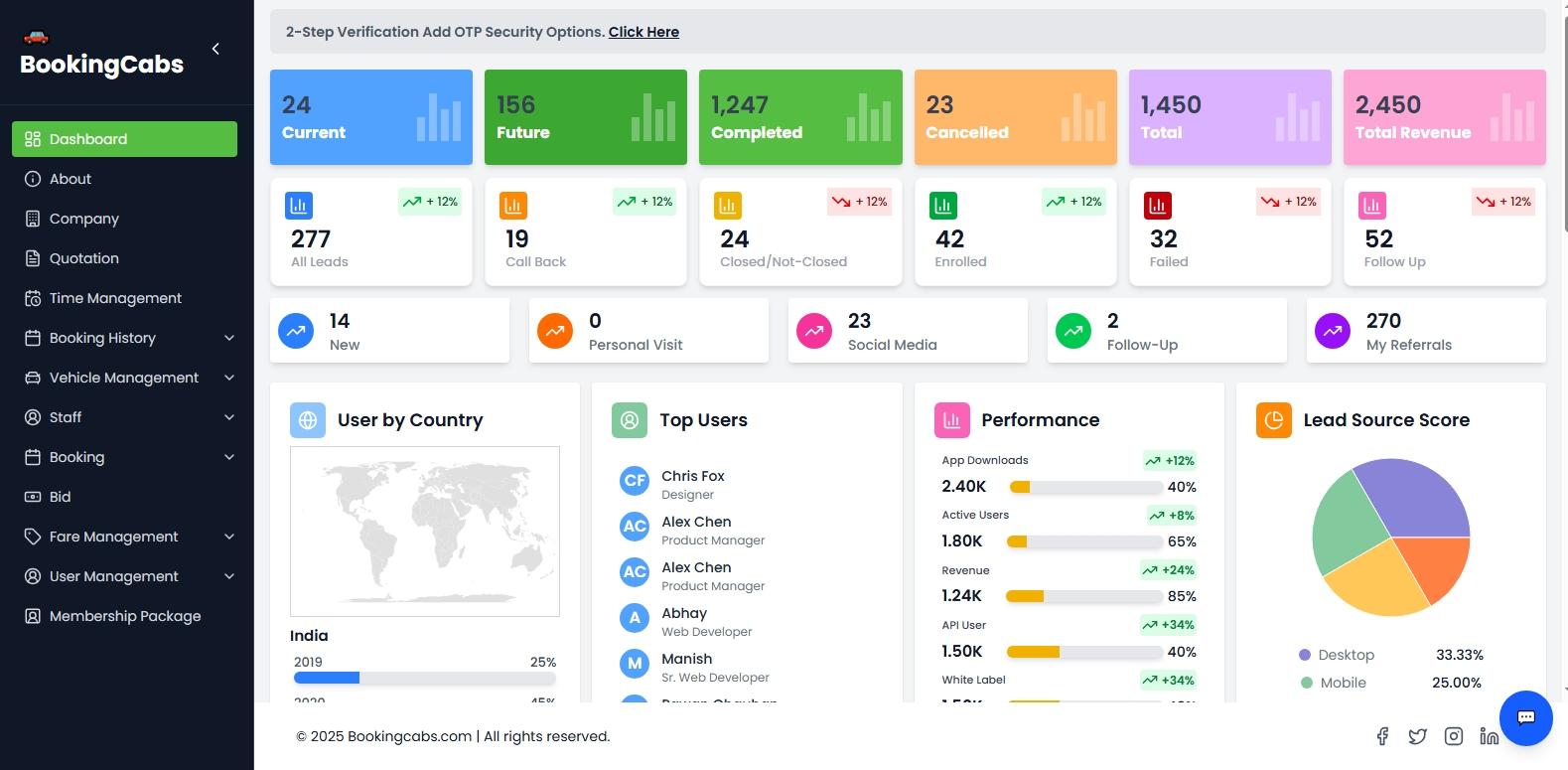

Role-Based Access
Give every team member exactly the access they need. Admins manage the whole account, dispatchers handle bookings, and drivers see only their own duties — all from the same portal.
Bookings & Payments
View all your bookings, invoices and payment records from one screen. Filter by status, date or customer and download reports for your accounts team.
Account Settings
Update your company profile, fare settings, vehicle types, and notification preferences at any time. Changes take effect immediately across your whole team.
Use your registered email or mobile number and your password, or log in with an OTP sent to your mobile or email.
Yes. You can add staff members and assign them a role (admin, dispatcher, driver, etc.) so each person sees only what they need.
Yes. Your company name, logo, fare settings and other details can be updated at any time from account settings.
Yes. Access is protected by OTP or password login, and every change is logged against the user who made it.